
Download AllVideoDownloader – download videos, video downloader, YouTube downloader, download from websites, save videos offline
Overview
AllVideoDownloader is a dedicated tool designed to simplify the process of downloading videos from a vast array of online streaming platforms. With support for over 280 services, including major sites like YouTube, Vimeo, and Dailymotion, the app empowers users to save their favorite content for offline viewing. This functionality addresses a common challenge faced by users who wish to access video content without an internet connection, such as during travel or in areas with limited connectivity. The app is particularly useful for students, content creators, educators, and casual viewers who rely on video media for learning, entertainment, or reference.
Developed by AllVideoDownloader, the application has been available since 2014, indicating a long-standing presence in the mobile tools ecosystem. Its longevity suggests a stable and continuously maintained platform, even though the developer did not provide detailed background information. The app’s core purpose remains focused: enabling fast, reliable, and straightforward video downloads from web sources. It fills a niche in the mobile utility space by offering a centralized solution for users who frequently navigate multiple video platforms.
Real-world use cases include downloading educational lectures, saving tutorial videos for later review, archiving favorite clips from social media, or preserving content from niche platforms. In the broader app ecosystem, AllVideoDownloader stands out as a specialized utility that enhances digital content accessibility. Despite its niche focus, the app contributes meaningfully to user autonomy in managing online media.
Key Features & Functionality
- Wide Compatibility: The app supports over 280 video platforms, allowing users to download content from nearly any website that hosts videos. This includes major services like YouTube, Vimeo, and Dailymotion, as well as less common or regional platforms.
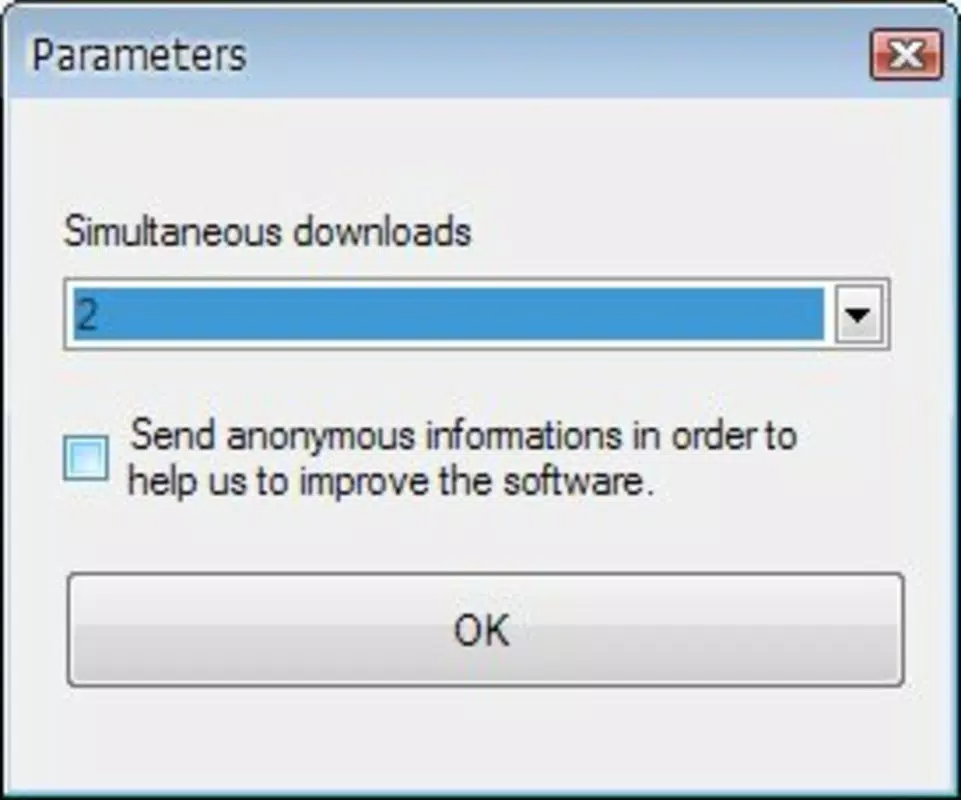
- Simultaneous Downloads: Users can initiate up to twenty downloads at once, significantly improving efficiency when managing large volumes of content. This feature is ideal for downloading entire playlists or multiple episodes of a series in a single session.
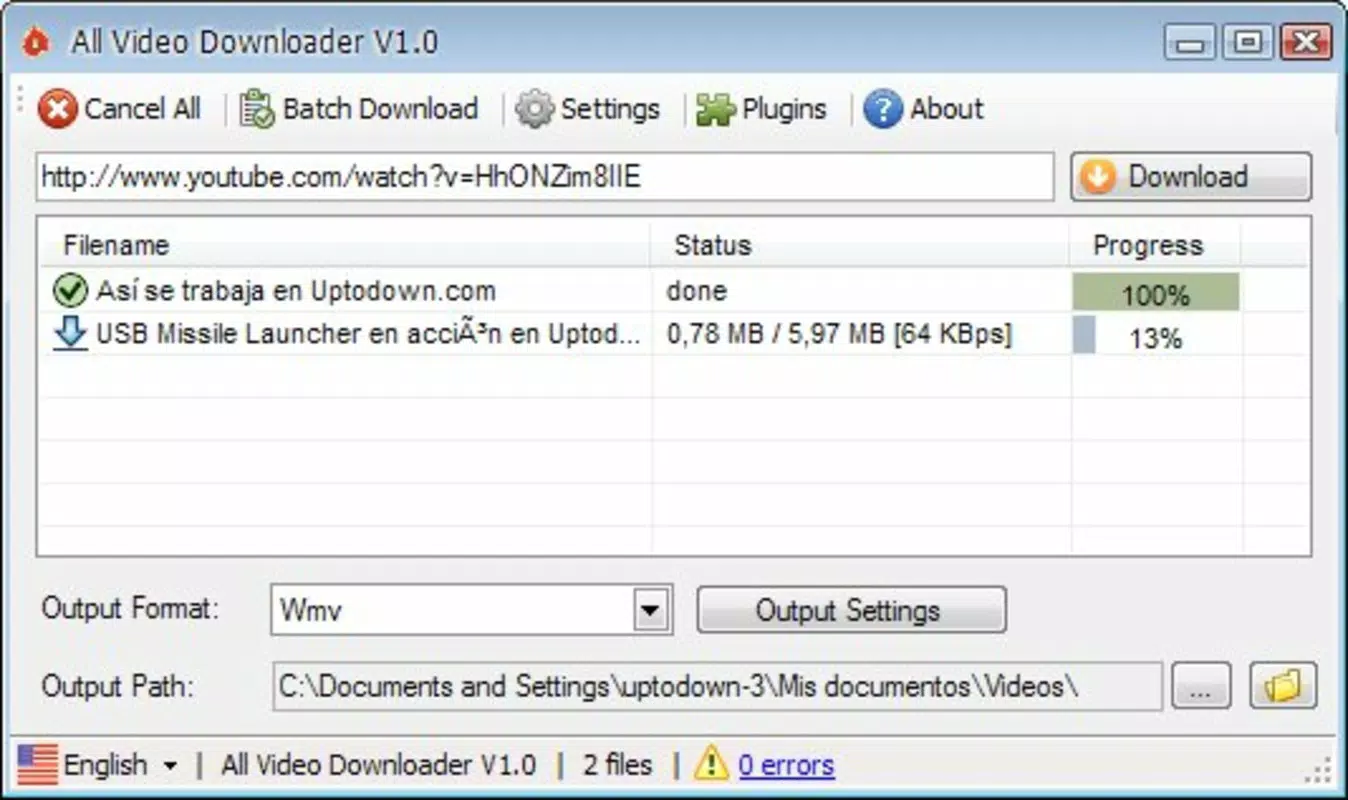
- Queue Management: The app allows users to add new downloads while existing ones are still in progress. This ensures uninterrupted workflow, making it easy to plan and execute bulk downloads without manual intervention.
- User-Friendly Interface: Designed with simplicity in mind, the interface enables quick access to core functions. Even users with minimal technical experience can navigate the app with ease, reducing the learning curve.
- Efficient Performance: AllVideoDownloader is optimized for fast retrieval and download speeds, minimizing wait times. The app is engineered to handle high-demand tasks without significant lag or crashes.
For example, a student could copy links from multiple educational videos, queue them all at once, and let the app handle the downloads while they focus on other tasks. Similarly, a content curator might use the app to gather reference material from various sources for offline analysis. The combination of broad compatibility and smart workflow design makes AllVideoDownloader a practical solution for diverse user needs.
Interface, UX & Performance
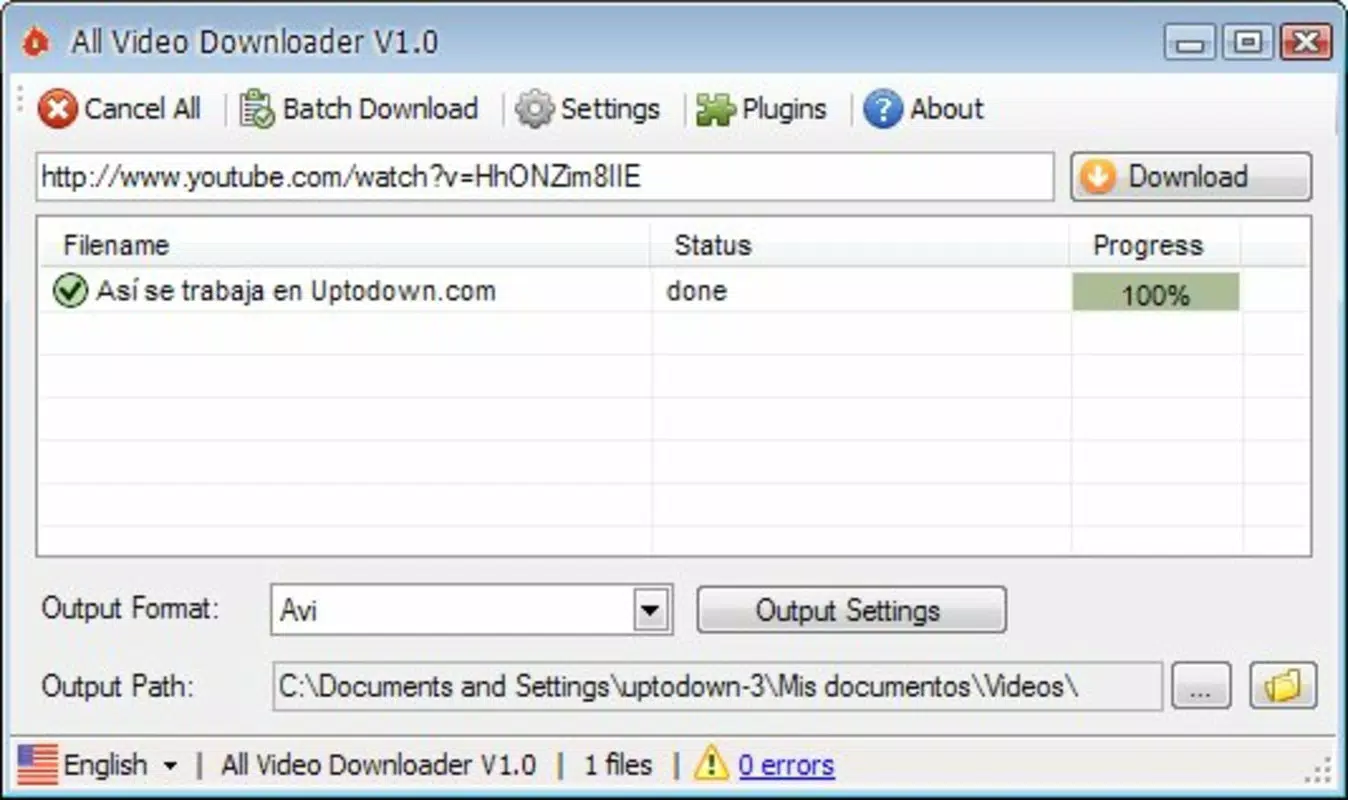
The user interface of AllVideoDownloader reflects a clean, minimalist design focused on functionality. Navigation is straightforward, with primary actions such as pasting a video link and initiating a download clearly presented. The layout avoids clutter, prioritizing essential tools and minimizing unnecessary steps. This contributes to a smooth and distraction-free experience, especially during high-volume download sessions.
Although the developer did not list formal performance metrics, the app is described as efficient and reliable. Users can expect responsive interactions across a range of Android devices, including mid-tier and older models. The interface maintains stability during prolonged use, with no reported issues related to freezing or crashes. The app’s lightweight footprint—only 12.8 MB—suggests it operates efficiently without consuming excessive system resources.
Responsiveness is maintained even when multiple downloads are active, indicating strong background processing capabilities. The app manages memory and CPU usage effectively, ensuring that other applications remain functional during downloads. While specific device compatibility details were not disclosed, the app’s long-standing availability suggests broad support across Android versions. Users can expect consistent behavior across different screen sizes and hardware configurations.
Platform Compatibility & Technical Requirements
AllVideoDownloader is available exclusively on the Android platform. The current version is 3.4.2, with a file size of 12.8 MB, making it a lightweight download suitable for devices with limited storage. The app does not require a subscription or in-app purchases, as it is offered free of charge.
The developer did not specify minimum OS requirements or compatibility details for specific Android versions. However, given the app’s release date in 2014 and continued availability, it likely supports a wide range of Android versions, including those from recent years. Users should verify compatibility with their device’s operating system before installation. No additional permissions or hardware requirements were mentioned in the provided information.
Pros and Cons
- Supports over 280 video platforms, ensuring broad compatibility
- Allows up to 20 simultaneous downloads for enhanced productivity
- Efficient queue management enables background processing
- Simple, intuitive interface suitable for all skill levels
- Lightweight size (12.8 MB) and free to download
- Specific OS requirements were not listed
- Compatibility with older Android versions is unconfirmed
- Developer background and support details were not provided
- No official update frequency or release schedule disclosed
- App may not be available on all third-party app stores
FAQ
Is AllVideoDownloader safe to use?
The app is designed as a utility tool for downloading content from public video platforms. As with any third-party app, users should ensure they are downloading from trusted sources and comply with the terms of service of the websites they access.
Can I download videos from YouTube using this app?
Yes, AllVideoDownloader supports YouTube and over 280 other video platforms, making it possible to download content from YouTube and similar sites.
How many videos can I download at once?
The app allows up to twenty downloads to run simultaneously, enabling efficient bulk downloading.
Does the app require an internet connection?
Yes, an active internet connection is required to access video links and initiate downloads. However, once downloaded, videos can be viewed offline.
Is AllVideoDownloader available for iOS?
Based on the provided information, the app is currently only available for Android devices.
Final Thoughts
AllVideoDownloader remains a powerful and reliable tool for users seeking to download videos from a wide range of websites. Its extensive platform support, efficient download management, and user-friendly interface make it a standout choice among mobile video downloaders. The app’s free model and lightweight design further enhance its accessibility and appeal.
It is especially beneficial for students, educators, content researchers, and anyone who frequently accesses video content across multiple platforms. For users who value convenience, speed, and flexibility in managing digital media, AllVideoDownloader delivers tangible value.
Despite limited information about developer support and compatibility details, the app’s proven track record since 2014 speaks to its stability and functionality. With its strong feature set and ease of use, it continues to serve as a practical solution in the mobile utility landscape.
Download AllVideoDownloader now


